How to give useful feedback on architectural renders
Make rendering revisions clearer with numbered annotations, one consolidated response and a distinction between corrections and new design requests.
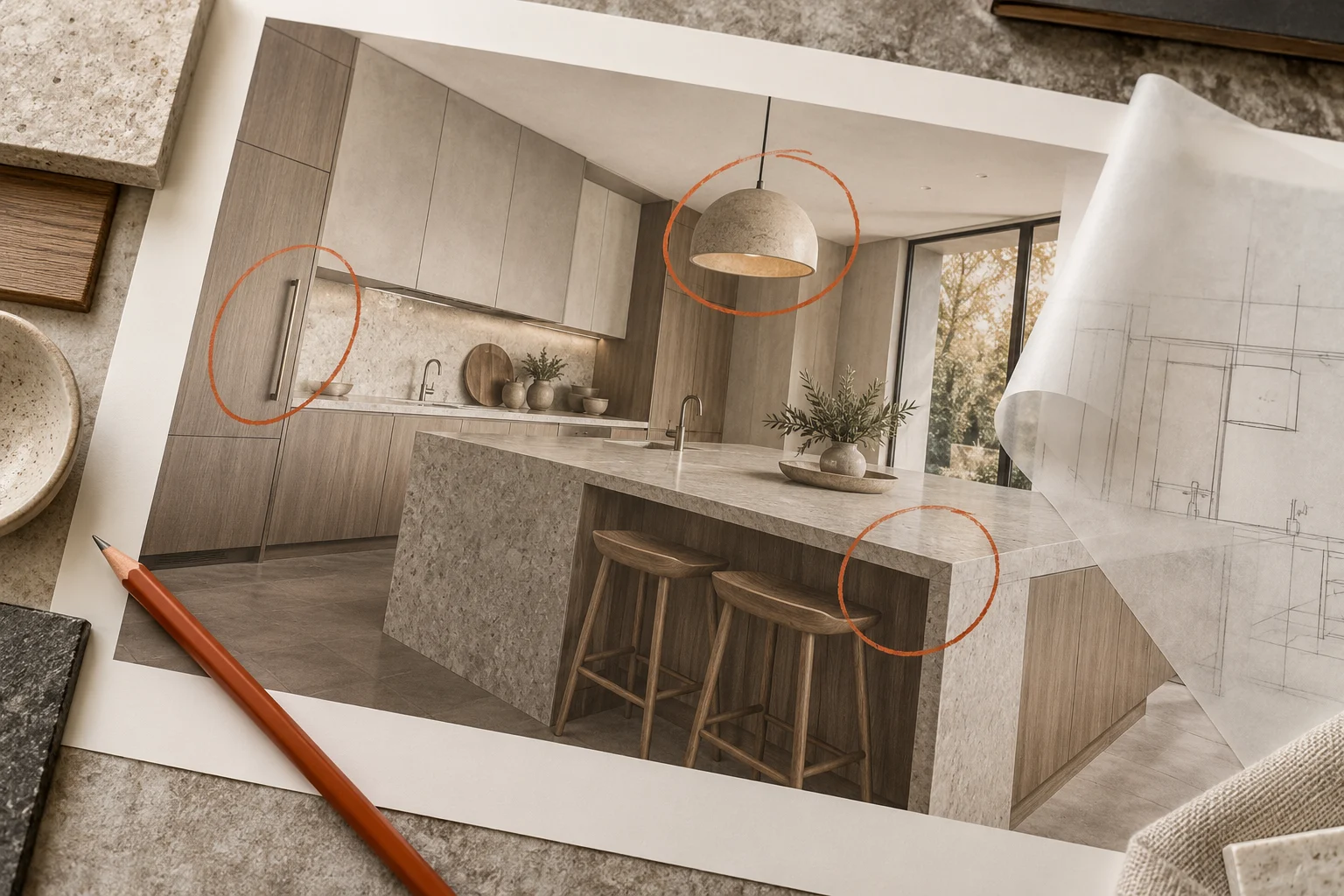
Useful feedback identifies the location, requested change and intended result. “It feels wrong” signals a concern, but it does not yet tell the team what to revise.
Annotate the exact version
Use the image filename or revision number and place numbered marks on the relevant areas. Write one corresponding comment per mark. For example: “2 — use the approved oak reference on the cabinet fronts; retain the current worktop.” Avoid mixing comments on old and new previews.
Consolidate before sending
Collect comments from all decision-makers into one response. Resolve contradictions internally or flag the decision as open. Separate a mismatch with the approved brief from a newly requested design change; the latter may affect scope and timing.
Close the review loop
When the revised image arrives, check it against the numbered list. Confirm completed items and identify any remaining issue precisely. Keep previously approved elements fixed unless you deliberately reopen them. Agree the number and meaning of revision rounds in the proposal so everyone knows when a preview is ready for final output.