Sending a design to a visualization studio: file handoff
Prepare a coordinated file handoff with a clear issue date, source priorities, material references and responsibilities for unresolved design decisions.
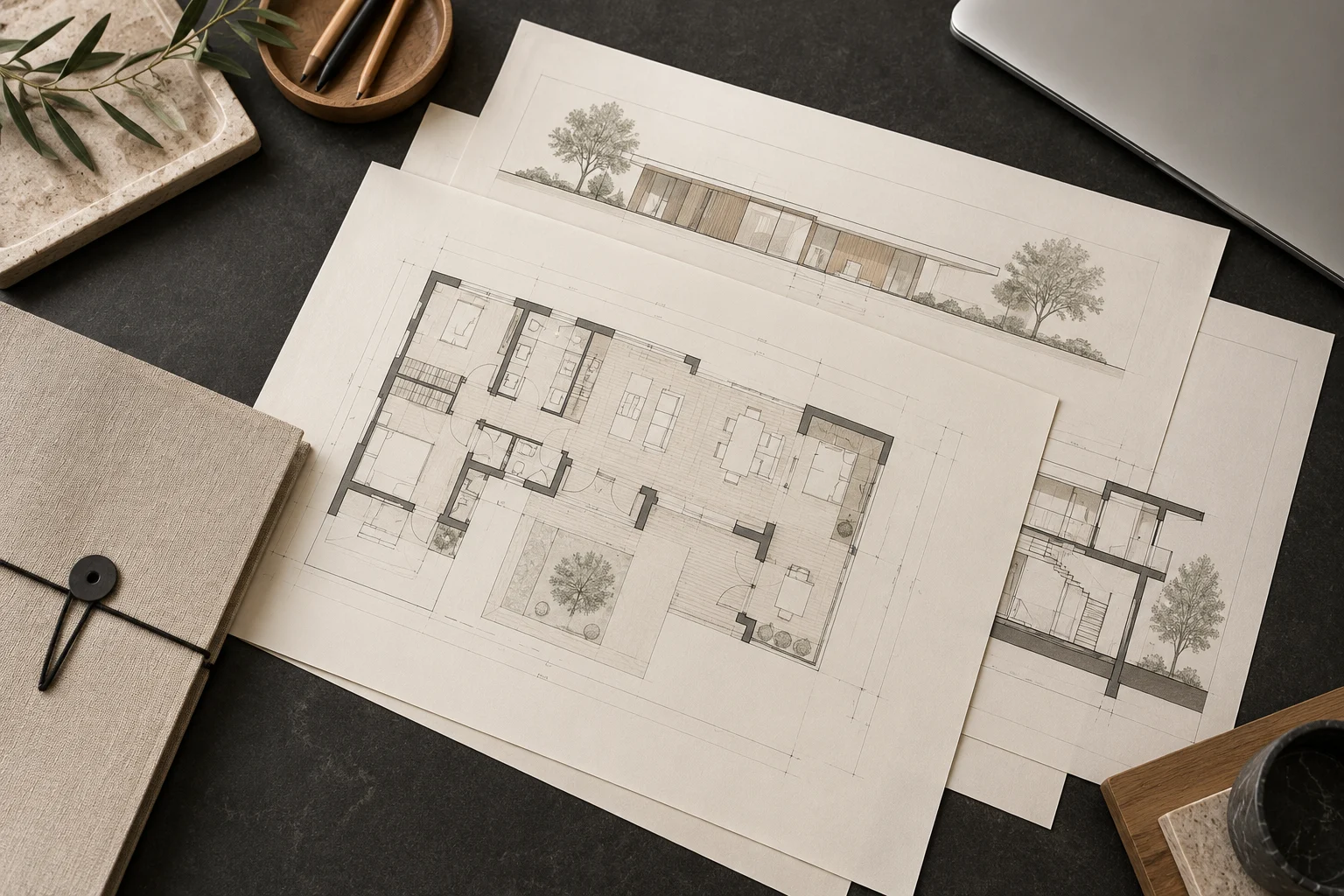
A good file handoff makes the current design state unambiguous. The aim is not to send every document ever produced, but to identify a coordinated set for the agreed visualization scope.
Issue one reference package
Include the relevant plans, elevations, model if available and a material schedule. Ask which formats can be used before exporting large files. Label the package with a date or revision and include a short contents list. Remove obsolete alternatives from the active package while keeping your own archive.
Explain priorities and exceptions
If drawings and model disagree, state which source governs each issue. List unresolved details and identify who will decide them. Mark elements excluded from the visualization or represented approximately. Do not expect the artist to infer design intent from conflicting files.
Control later changes
Send updates as a new identified revision with a concise change list. Confirm whether the change affects cameras, geometry, materials or delivery dates. Keep one decision log shared with the project lead. Projects3ds can agree a suitable handoff with your team before production so modelling and review follow the same reference set.