A visualization image set for a property listing
Plan a property presentation with complementary floor plans and renders, clear labels and consistent features across every image.
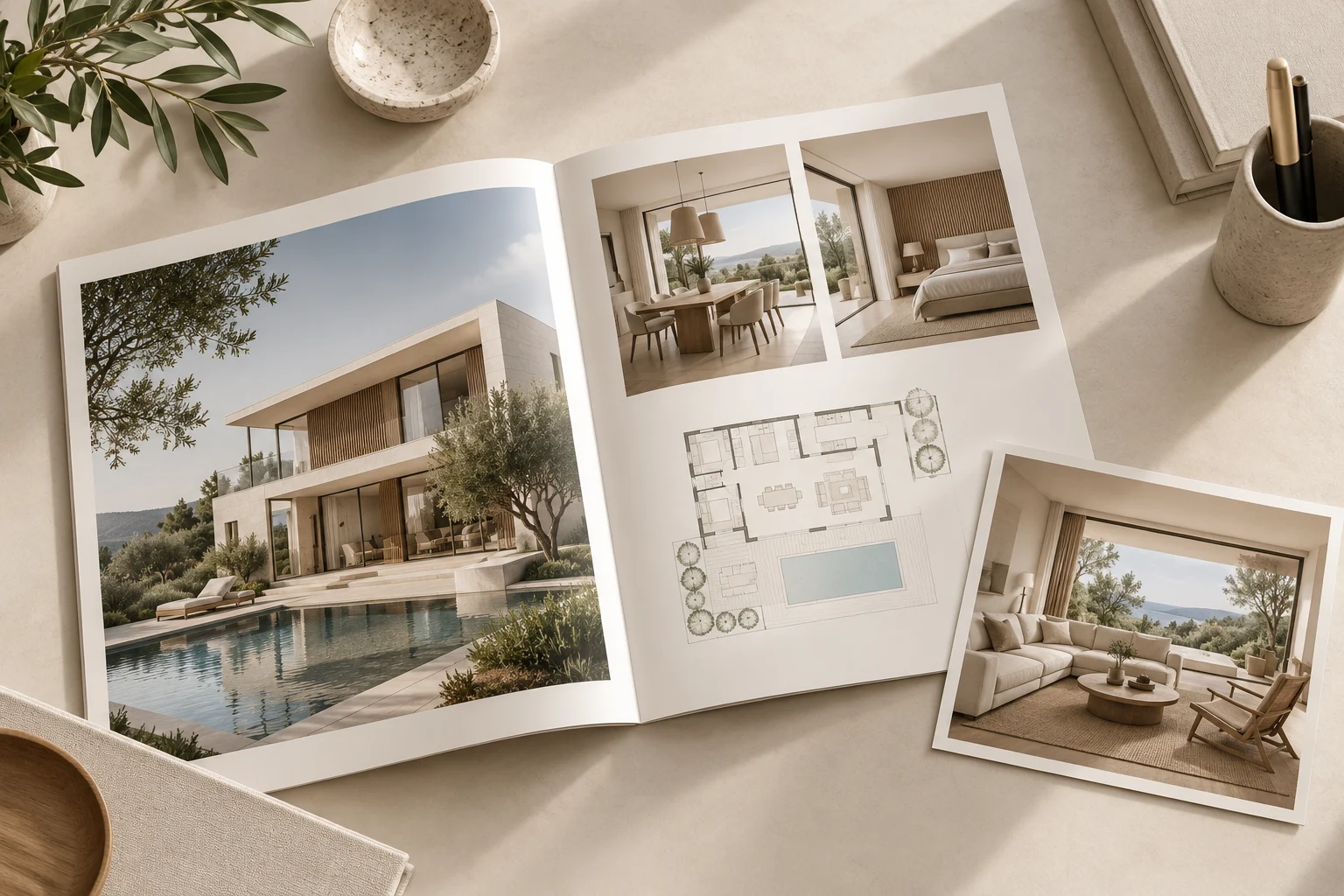
A useful property image set answers different questions without repeating the same view. Choose the content according to the property and the information the viewer needs.
Give each asset a role
A floor plan explains arrangement. An overall interior view shows the main living space. An exterior view can explain approach and building form when relevant. Add detail images only when they communicate something important, rather than increasing the image count.
Keep the property consistent
Check room names, openings, finishes and furniture assumptions across all assets. If optional styling is shown, label it clearly. Do not present a visualized layout or renovation as the current condition of the property.
Prepare for the publishing channel
Confirm required dimensions and crops with the platform or marketing team. Ensure labels remain readable on a phone and keep an uncropped master for future uses. Review the entire set in order before publication. Projects3ds can help define the visual deliverables from the available plans; claims about areas, features and availability should be checked by the party responsible for the listing.