Furniture visualization: prepare a product-focused brief
Give a furniture rendering brief with product dimensions, finish variants, required details and a clear choice between studio and room settings.
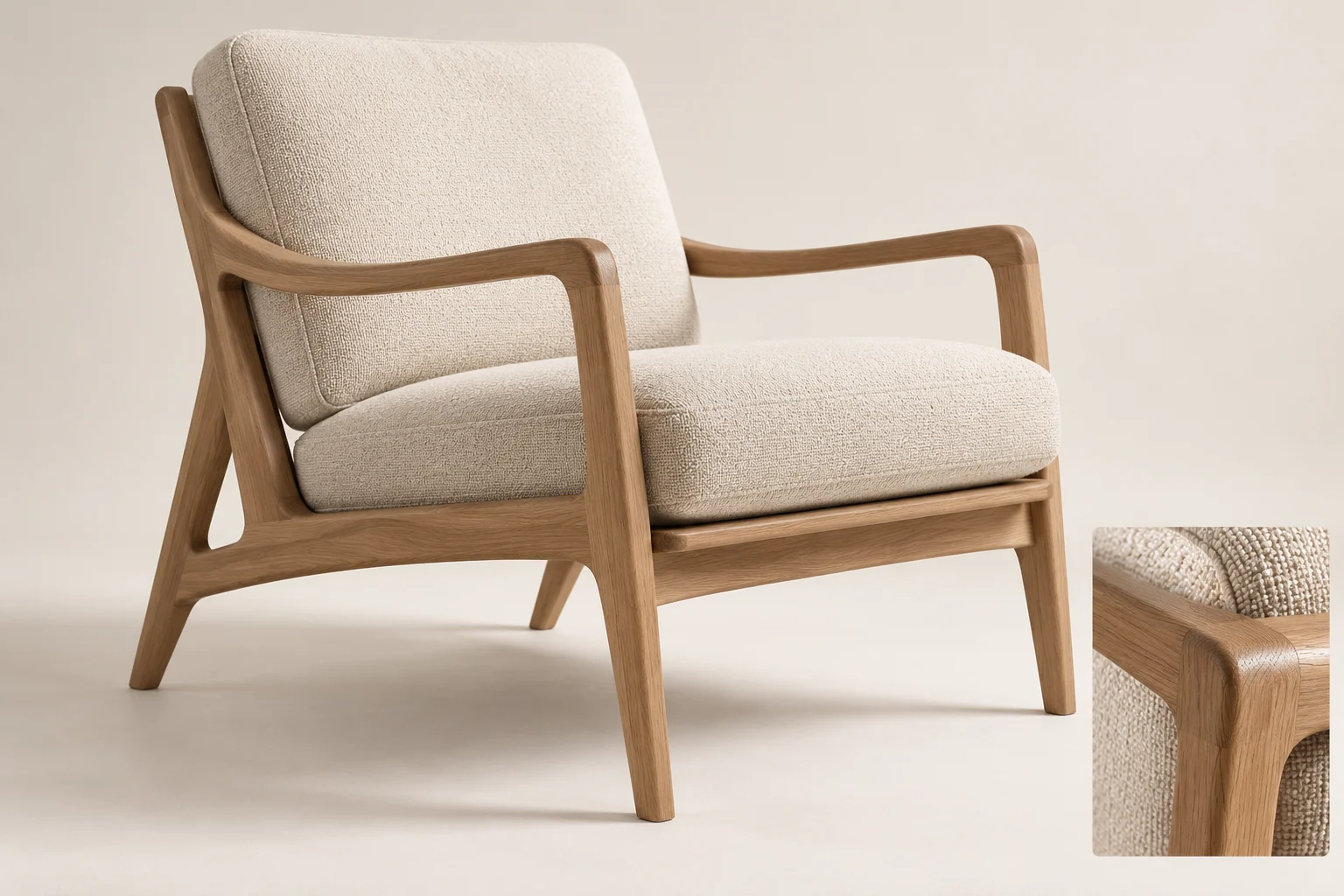
Furniture images should make the product understandable as well as attractive. Decide whether the main purpose is to show form, finish variations or use within a room.
Provide product information
Supply dimensions, drawings and photographs of the relevant sides. Identify details that matter, such as edge profiles, seams, handles or leg shape. Distinguish confirmed specifications from design ideas still under development.
Choose the setting deliberately
A restrained studio setting can isolate shape and finish. A room scene adds context and scale, but surrounding objects should not compete with the product. Keep styling consistent when comparing colour variants. Agree on what level of modelling accuracy is included.
Review details before multiplying variants
Approve one representative model and camera setup first. Then generate the agreed finishes or views from that base. Check that every variant uses the correct product reference and dimensions. A render does not replace samples or manufacturing drawings; use it to communicate an approved design, and confirm technical details with the product team.