Material references for interior rendering: what helps
Give clearer references for wood, stone, fabrics and metal finishes by specifying scale, direction, surface character and the intended product.
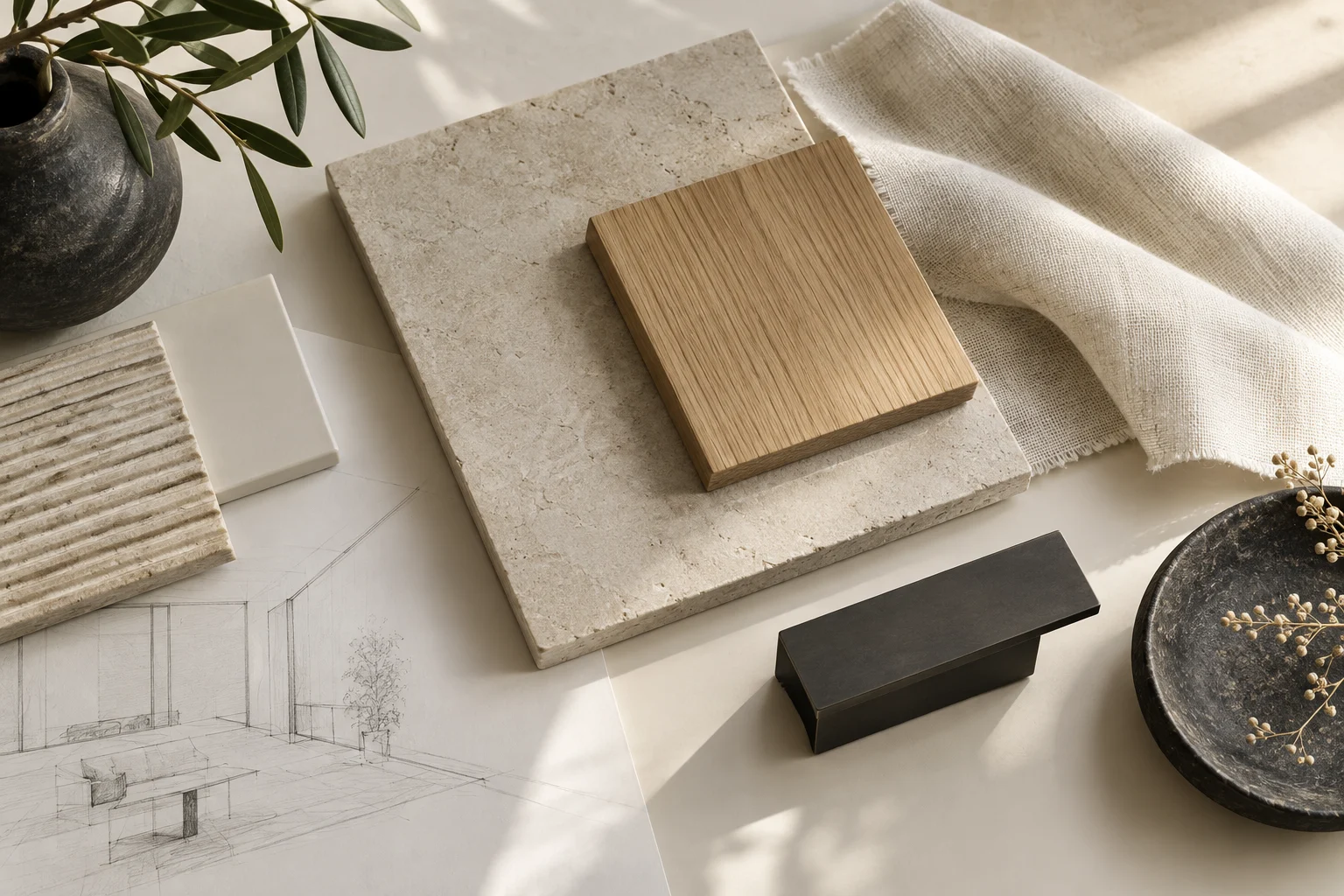
“Light wood” can describe many different surfaces. A useful material reference combines an image with a short explanation of the properties you want to show.
Identify the material and its role
Link the intended product when known, or label the reference as a direction still to be chosen. State where it appears: floor, cabinet fronts or a small detail. Include pattern scale and laying direction where relevant. A close-up alone may not explain how the material should look across a whole wall.
Show finish as well as colour
Explain whether the surface should read as matte, satin, polished or textured. For fabrics, provide a wider view and a detail so the weave is not mistaken for a large pattern. Photograph samples in consistent light when comparing options; mixed lighting can obscure the intended differences.
Keep physical checks separate
A render helps compare the overall combination, but a screen cannot confirm exact colour, touch or product suitability. Review physical samples and specifications before ordering. Give Projects3ds one labelled material schedule so references remain consistent between rooms and revisions.