How to choose camera views for an interior render
Choose interior rendering viewpoints that explain layout, important finishes and room connections without relying on exaggerated wide-angle views.
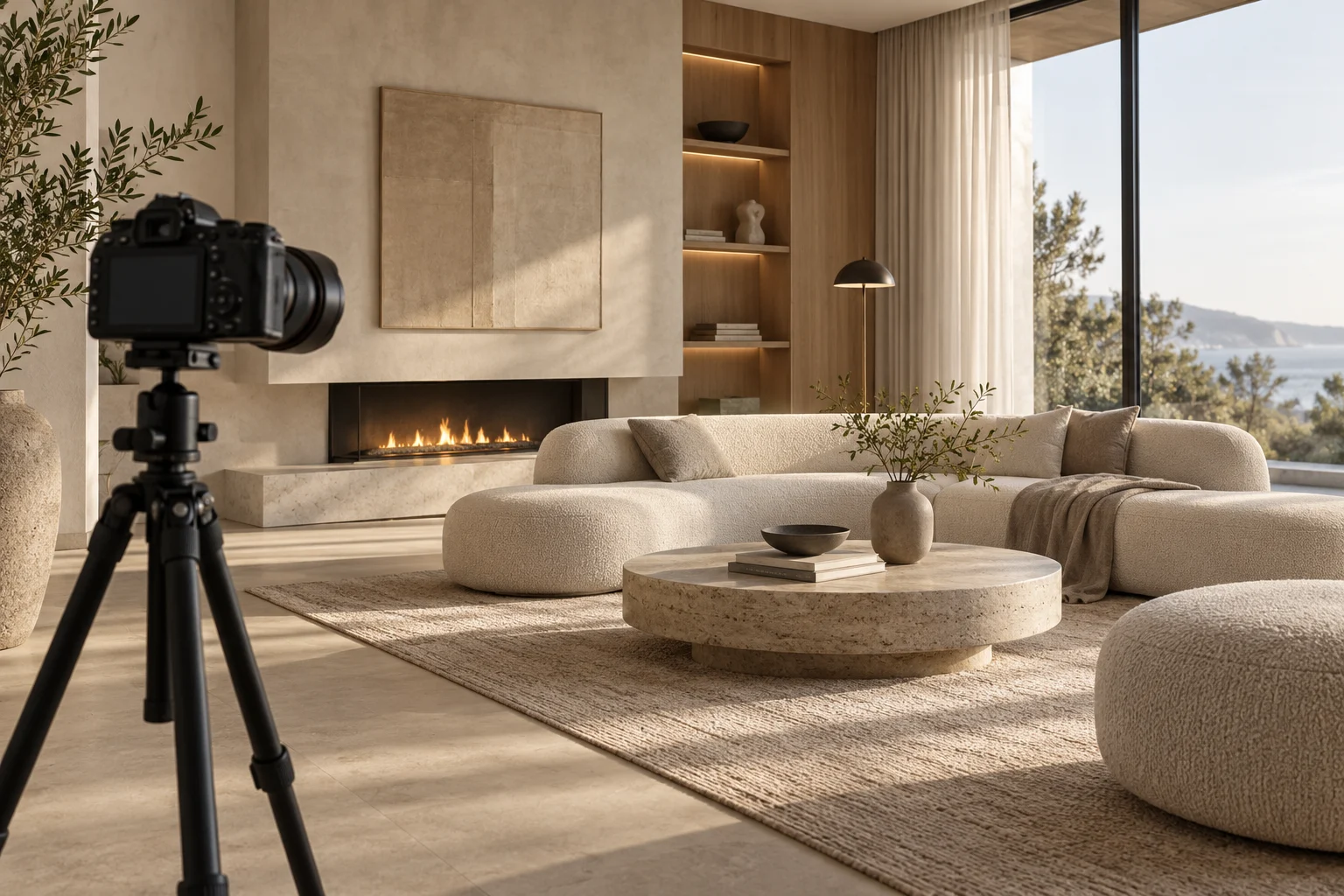
The number of images matters less than what each view explains. Before ordering several renders, assign a purpose to every camera position.
Start with an overview
Choose a view that establishes the room and its relationship to neighbouring spaces. Keep important doorways and furniture visible. An extremely wide view may show more objects while making distances difficult to judge; ask for a natural-looking perspective and compare it with the plan.
Add a decision view
If the open question concerns kitchen fronts, show that elevation clearly. If it concerns the relationship between sofa and window, choose the corresponding direction. Avoid two nearly identical views unless the comparison requires them.
Confirm framing before detail
Review simple camera previews before fine materials and decoration. Check where images will appear: a wide website banner and a portrait post need different crops. Leave space for any intended text without hiding the feature being discussed. In the brief, label each view with its job, such as “show entrance and dining connection,” rather than merely “view two.”