Home office visualization: brief the working day
Prepare a home office visualization around equipment, video calls, daylight and storage instead of choosing a desk from appearance alone.
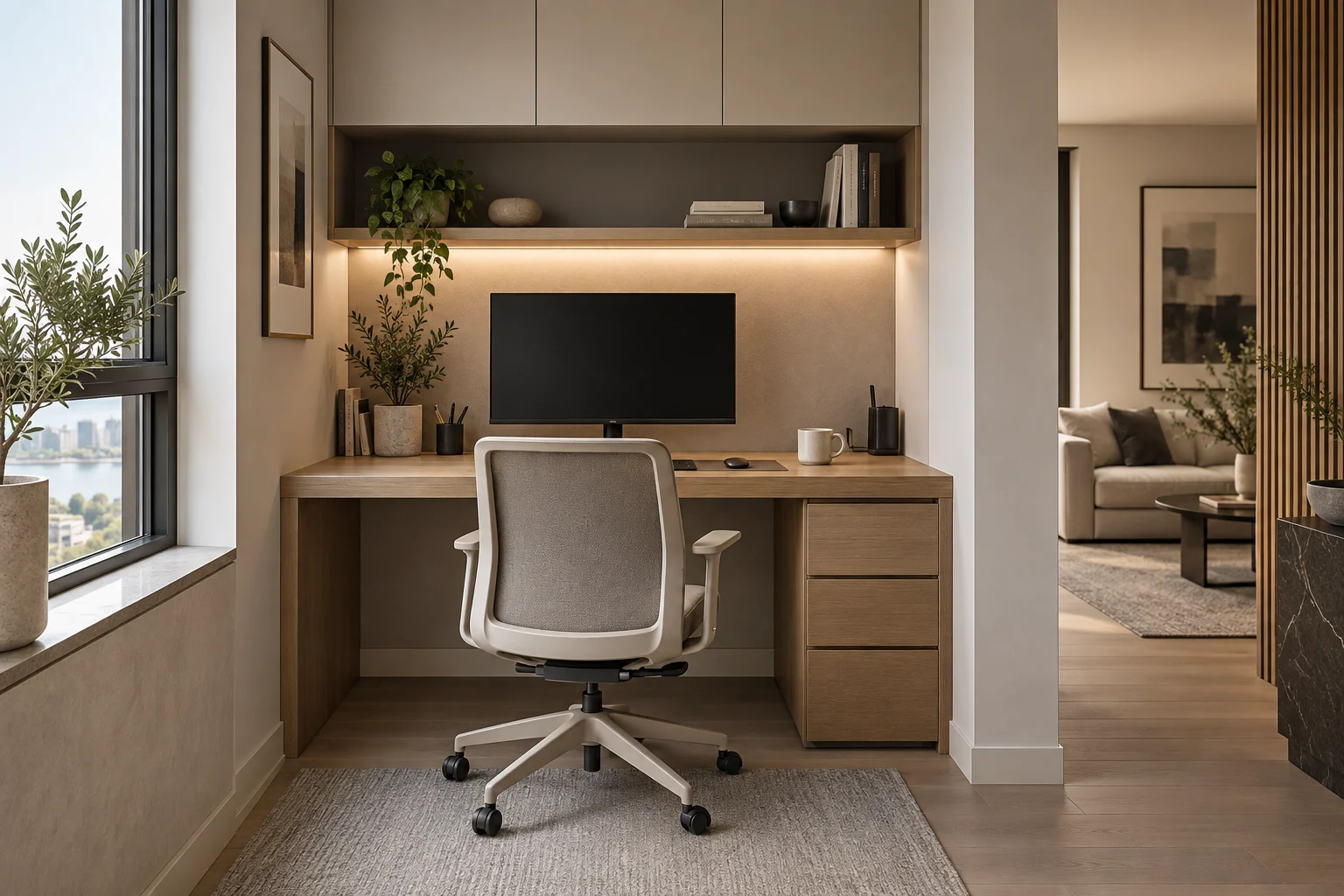
A home office should be visualized around the activities it needs to support. A tidy desk with no equipment may create an appealing picture while missing the requirements of a working day.
Describe the actual setup
List screens, laptop, printer and objects used regularly. Provide their approximate dimensions and note whether the workspace is permanent or shared with another room function. Include closed storage and a planned route for visible cables.
Consider the view in both directions
Ask for a view towards the desk and consider what appears behind the person during video calls. Mark window position and explain when the space is used. A render can help discuss screen placement and atmosphere, but it cannot establish comfort or glare performance on its own.
Compare one change at a time
Test desk orientation before changing finishes. Then compare storage fronts or wall treatments from the same camera. Keep real equipment visible in at least one review image. Confirm workstation dimensions and personal ergonomic needs separately, and send Projects3ds the plan together with your equipment list.